


Read best practices and tips
Learn practical cyber security tips and best practices that will help you safeguard your personal and institutional data.
July 20, 2026
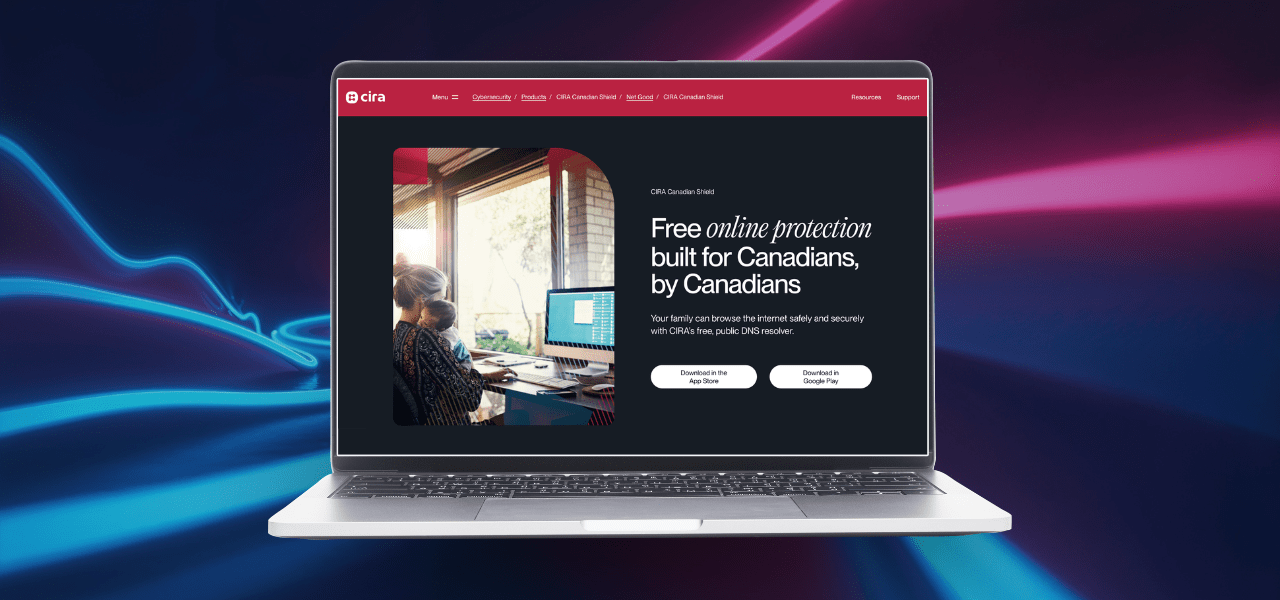
The Canadian Internet Registration Authority (CIRA) offers a free service called Canadian Shield that helps Canadians stay safe online by preventing access to known malicious domains.

June 10, 2026
Almost every home network starts with a wireless (often called Wi-Fi) network. This means securing your wireless network is a key part of protecting your home.
May 27, 2026
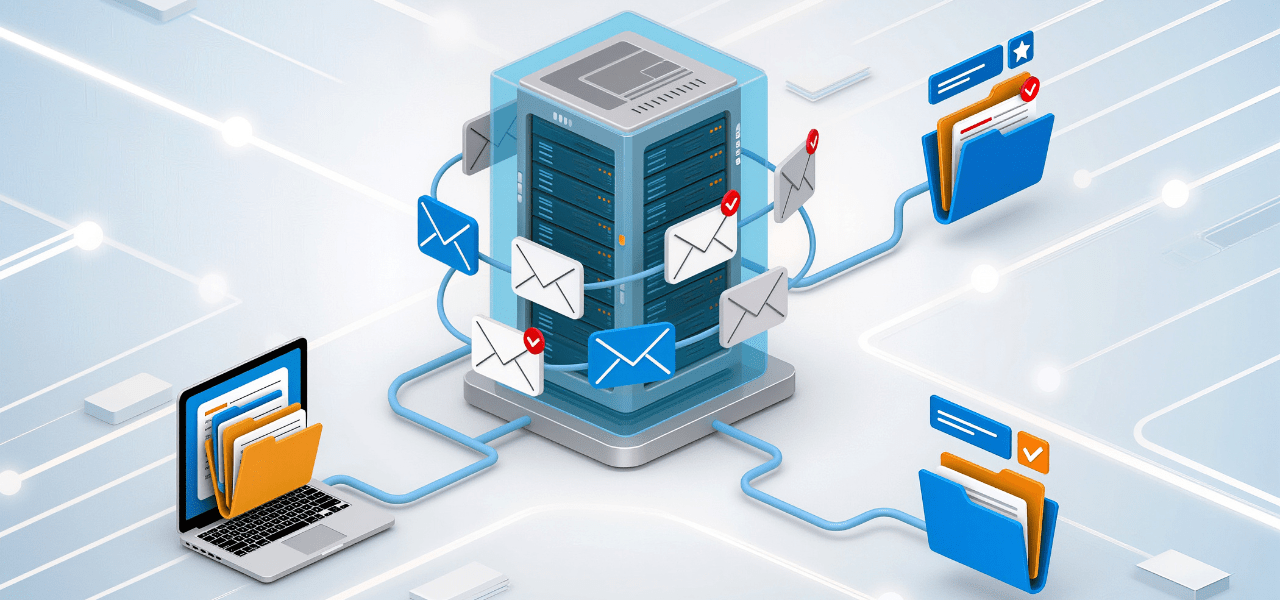
Email applications such as Microsoft Outlook are suitable for everyday communication and must not be used to share or store Level 4 data, which requires encryption.

May 14, 2026
Protecting personal information, research data and university systems starts before you leave campus. Whether you’re travelling for work, study or research, use the resources below to safeguard your devices and data.

May 13, 2026
This handbook serves as a reference for U of T researchers to travel securely, confidently and responsibly.

May 11, 2026
This guide helps you discover, drawing on open-source intelligence (OSINT) methods, what information about you is publicly available, and take practical steps to reduce unwanted exposure.

May 4, 2026
To protect participants and reduce disruptions, meeting hosts for video conferencing should take steps to secure their online meetings and prevent unauthorized access.

April 14, 2026
Multi-factor authentication (MFA) is one of the most effective ways to protect your accounts. However, attackers are increasingly using MFA fatigue tactics to bypass it.

March 18, 2026
If you’re travelling with a short‑term loaner laptop, phone or tablet provided by the university, review these recommendations before departure.

March 18, 2026
A short guide with practical steps to safeguard research data, devices and accounts while travelling for academic work.

March 18, 2026
A pre‑departure checklist to help you configure, pack and secure your devices and research materials.

August 20, 2025
This article introduces three lightweight modelling approaches: STRIDE, DREAD and attack trees. They are ones that research teams can use in a single brainstorming session and return to as a shared security compass.

July 14, 2025
Support and resources are available for students, staff, faculty and librarians travelling internationally for university-related activities such as conferences, study abroad programs, internships, research or fieldwork.

July 14, 2025
Protect your accounts and your data from phishing by following these tips to identify and report phishing attempts.

April 25, 2025
Learn how to prepare your devices, minimize data exposure and reduce the risk of loss or compromise while abroad.
February 14, 2025
Creating a strong password can make all the difference in protecting your personal information. Follow this guide for how to create strong and secure passwords.

November 11, 2024
Small security considerations and process changes can drastically increase your ability to protect your data and identify, respond to and recover from security incidents.

November 11, 2024
While many threats extend beyond research, the scope of research activities and the value of intellectual property increases the risk from sophisticated attacks, espionage and foreign interference.
November 11, 2024
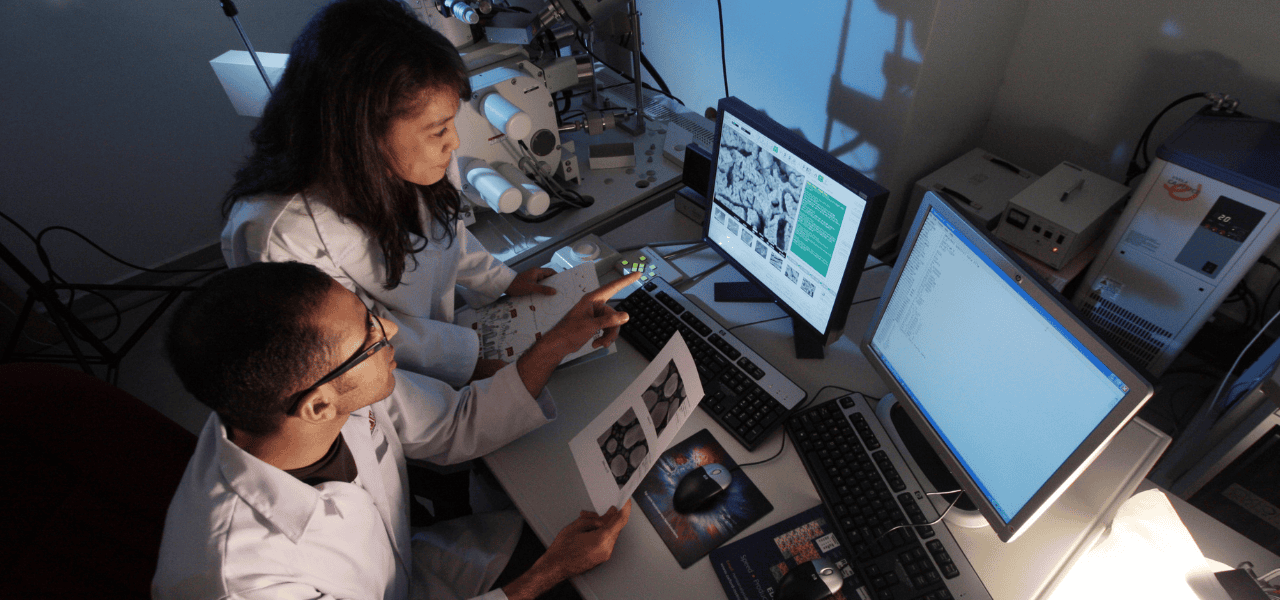
Research information security looks to protect your research information, data, intellectual property and systems by identifying, understanding and addressing potential information and cyber risks.

November 11, 2024
Information Security provides advice, assistance and services related to the current and future cyber security realities of research to improve your competitiveness and productivity.

October 10, 2024
We must ensure that the data in our care is not only secure but also managed with integrity and ethical considerations. Here are some actions you can take to protect data that you collect and handle within your department.

October 10, 2024
We spend so much of our lives online that our digital world has a significant impact on our physical and mental well-being. By adopting secure practices, you can enhance your digital experience and enjoy peace of mind as you explore the virtual world.
October 8, 2024
Identity thieves and hackers can use what you post on social media platforms to steal your personal information, posing a risk to your privacy and online reputation. Use these tips to conduct a check-up for your social media privacy health.

September 27, 2024
Learning how to read a privacy policy will help you make informed decisions before using services or tools that collect personal information.

August 7, 2024
Learn more about information security and gain practical experience without starting your education or career from scratch.

August 7, 2024
Resources created by the Research Information Security Program are available to help you make informed cyber security decisions about your data.
August 6, 2024
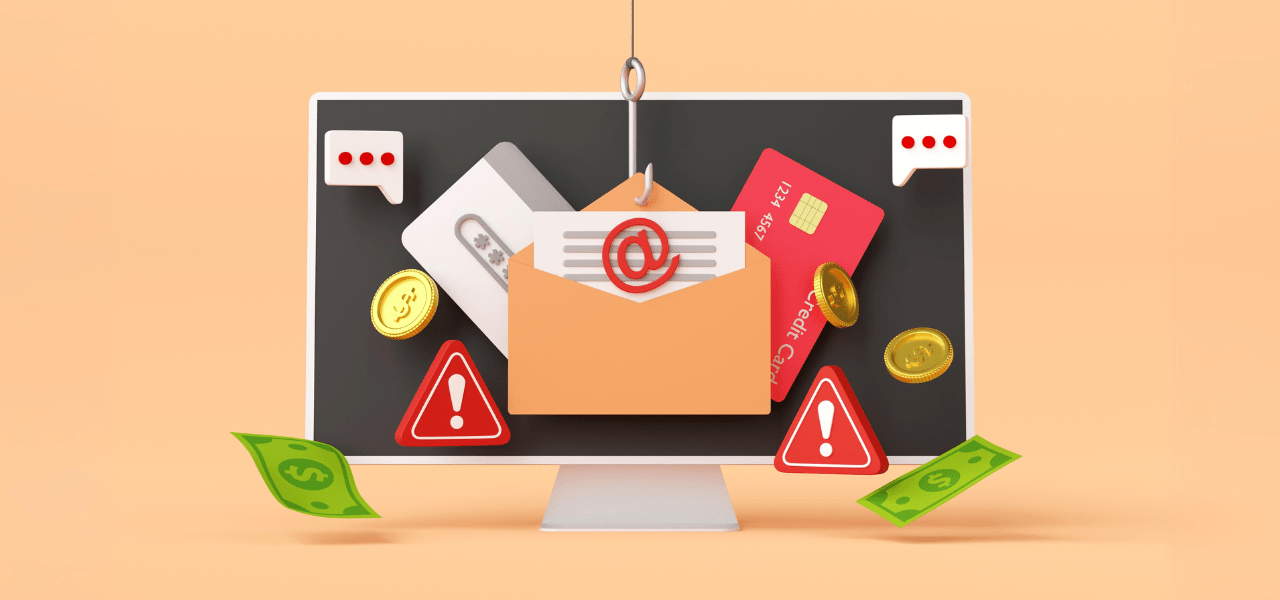
Find out how to detect internet fraud and stay safe online with these expert insights from Andrew Wagg, Manager, Incident Response and Alex Lu, Incident Response Specialist at U of T.

July 25, 2024
Ransomware can have a significant impact on an organization – from shutting down operations to the loss of years of research data. That’s why it’s critical for the U of T community to understand the risks and know how to prevent ransomware attacks.

July 15, 2024
Before loading up your virtual shopping cart, use this list of cyber security best practices to ensure you are protecting your information.
July 12, 2024
Multi-factor authentication is essential to secure your accounts. It’s quick to set up, easy to use and improves security.

March 14, 2024
A tax scam is when a fraudster poses as an authority figure, usually as a CRA or Service Canada agent, to try to scare people into complying with their demands.

January 26, 2022
While email is one of the most efficient and prevalent forms of communication today, it brings with it the risk of privacy breaches when sharing sensitive data, such as personally identifiable information (PII) or personal health records.
October 29, 2021
The University of Toronto’s Information Security Incident Response Plan is available to help information technology managers, non-IT unit leaders and other employees handle security incidents effectively.

June 5, 2020
In the landscape of hybrid work, our personal devices have become more than mere tools – they can also be our companions in work productivity. For safe and effective account management on your personal devices while working remotely, follow these five tips.
May 5, 2020
U of T's Citizen Lab provides the community with an easy-to-use guide that helps internet users navigate complicated privacy and security concerns in an ever-evolving digital world.

June 12, 2018
Internet users have the world at their finger tips while browsing online – that's why it's crucial to take precautions to avoid falling for hacking or phishing attacks.

June 12, 2018
With the increase in social media usage, identity thieves and hackers can use information posted on social media to steal your personal information. Follow these tips to stay safe on social media.