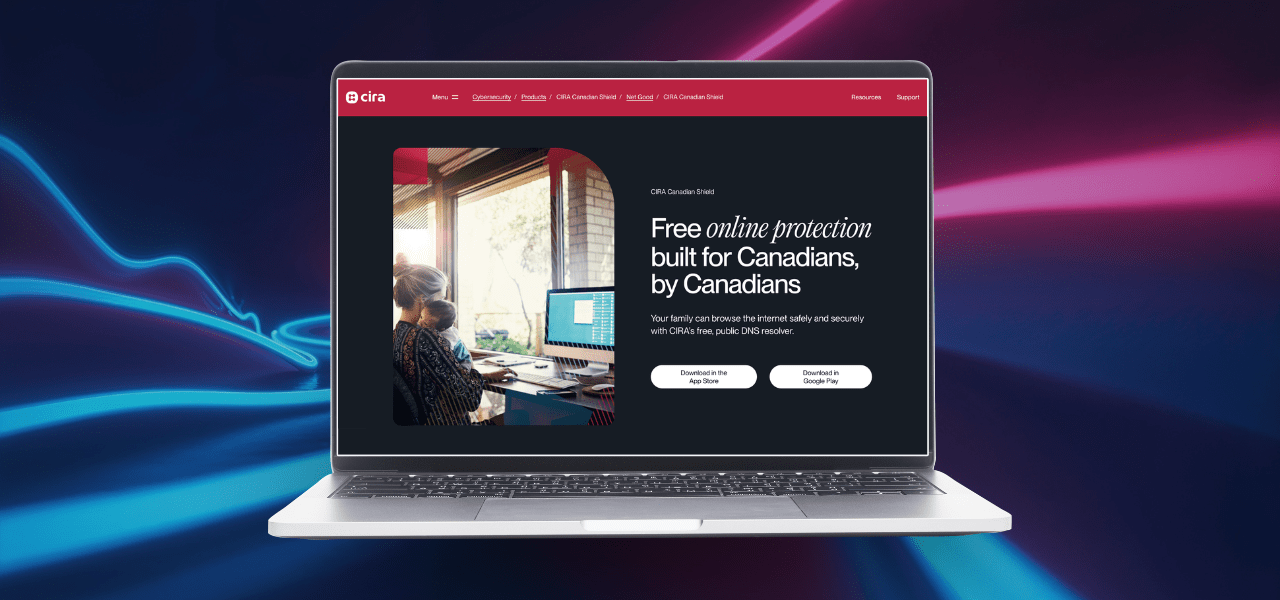


Protect your home network
Published: June 10, 2026
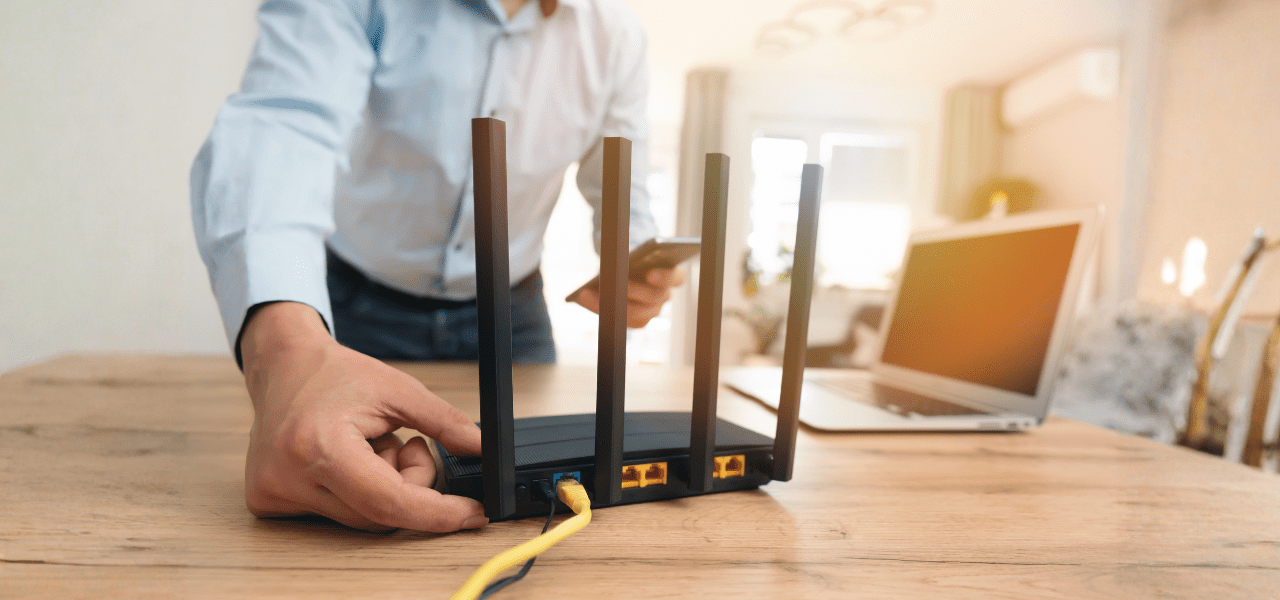
Have you ever wondered how to keep your home network safe? Here are a few simple steps you can take to better protect your home and personal information.
Most home networks rely on a wireless (Wi-Fi) connection. Securing your wireless network is an essential step in protecting your home and personal information. We recommend the following:
How to secure your wireless network
For guidance on creating strong, secure passwords, review the Craft strong passwords article.
Need help getting started?
- Contact your internet service provider.
- Review the documentation that came with your wireless access point.
- Watch the first 80 seconds of this video from the SysAdmin, Audit, Network, Security Institute’s Creating a Cyber Secure Home course.