


Upcoming changes to your U of T sign-in experience
Published: July 9, 2026
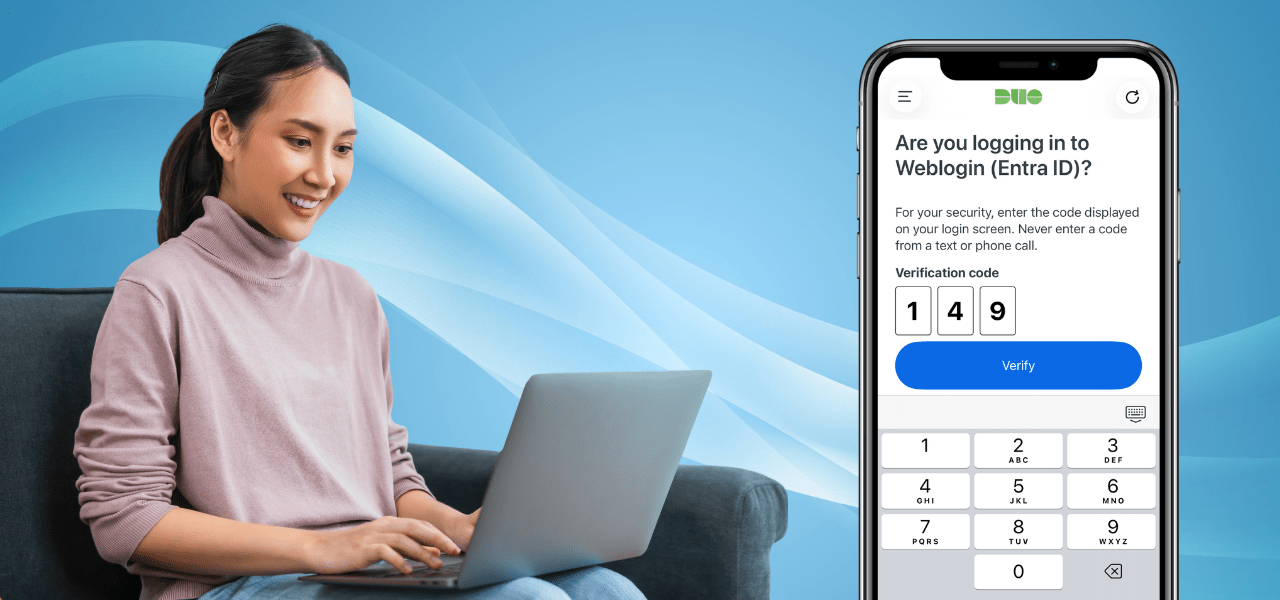
Beginning Aug. 7, the University of Toronto will introduce updates to how you sign in to university systems.
These changes are part of the Identity and Access Management modernization initiative and are designed to provide a more consistent authentication experience while strengthening account security. As technology evolves, cybercriminals continue to develop new ways to target online accounts. These updates help protect the U of T community by strengthening sign-in security while maintaining a reliable and consistent experience across university services.
What is changing?
You may notice several changes when signing in to university applications:
- Sign-in experiences will become more consistent across applications and locations.
- The Keep me signed in option will be removed for browser-based sign-ins to Microsoft 365 applications. This change does not affect Microsoft desktop or mobile applications, such as Outlook or Teams.
- Browser sessions on devices that are not managed by the university may expire after approximately nine hours. Users may be asked to sign in again when their session expires.
- UTORMFA Verified Push will use number matching when approving multi-factor authentication requests.
If you use a university-managed device, your day-to-day experience may change very little.
Why are we making these changes?
These updates create a more consistent sign-in experience across university services, helping U of T apply stronger security controls while making authentication more predictable for users.
The updated sign-in experience also introduces stronger protections against common account threats, including fraudulent authentication requests and MFA fatigue attacks. Verified Push adds an extra step to confirm that users are approving a sign-in they initiated.
Together, these changes help protect U of T accounts, support secure access to information and maintain reliable access to the services users need.
What will I see when I sign in?
1. Follow the prompts
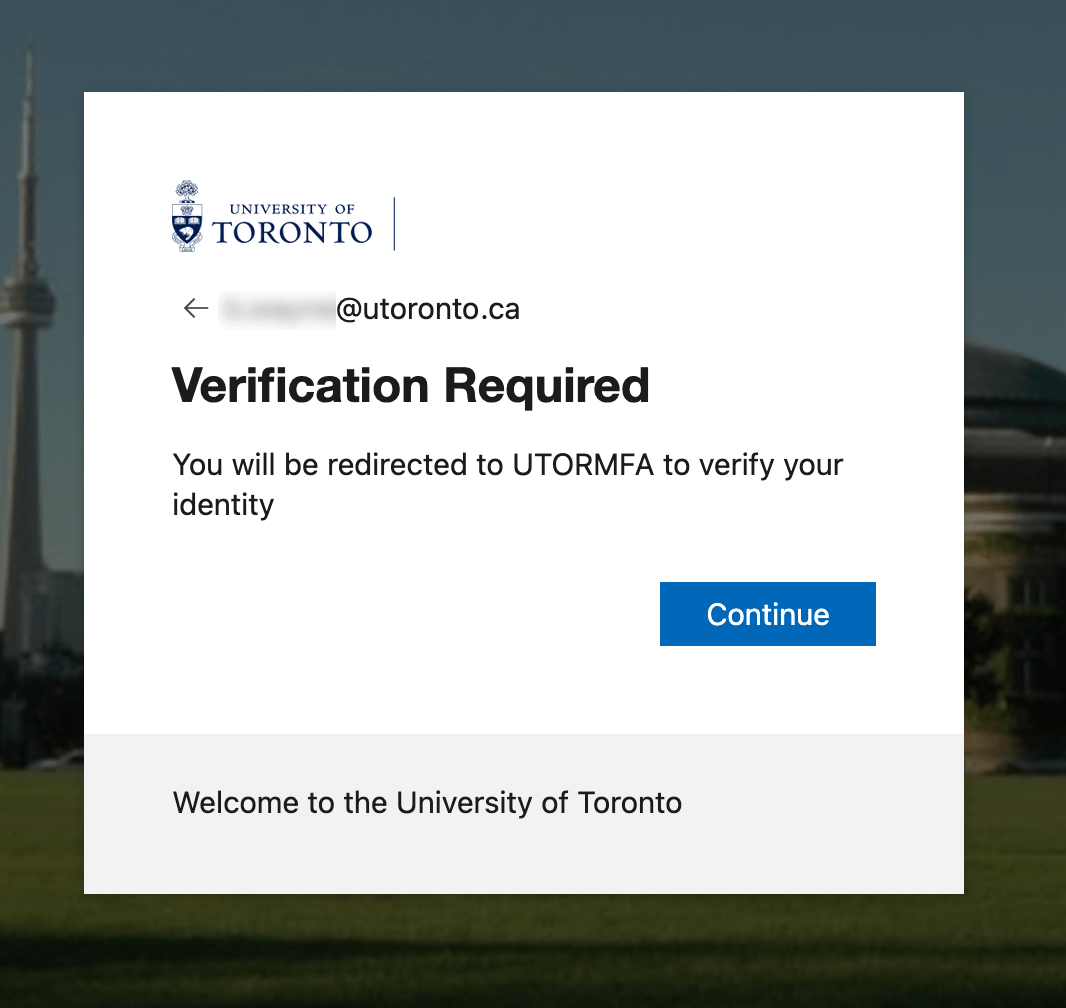
Follow the on-screen prompts to continue signing in with your Duo Mobile app with UTORMFA.
2. Verify the sign-in request
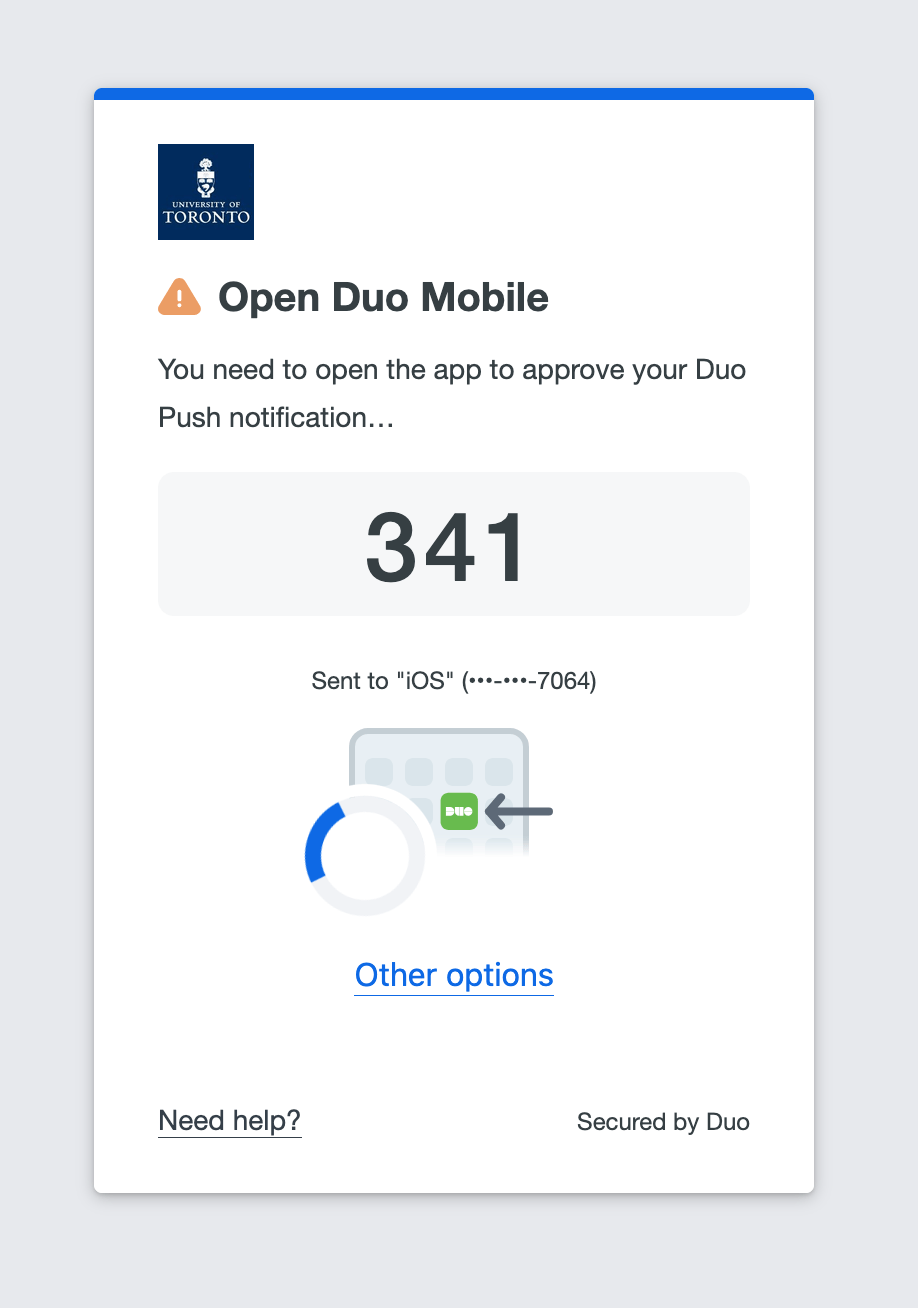
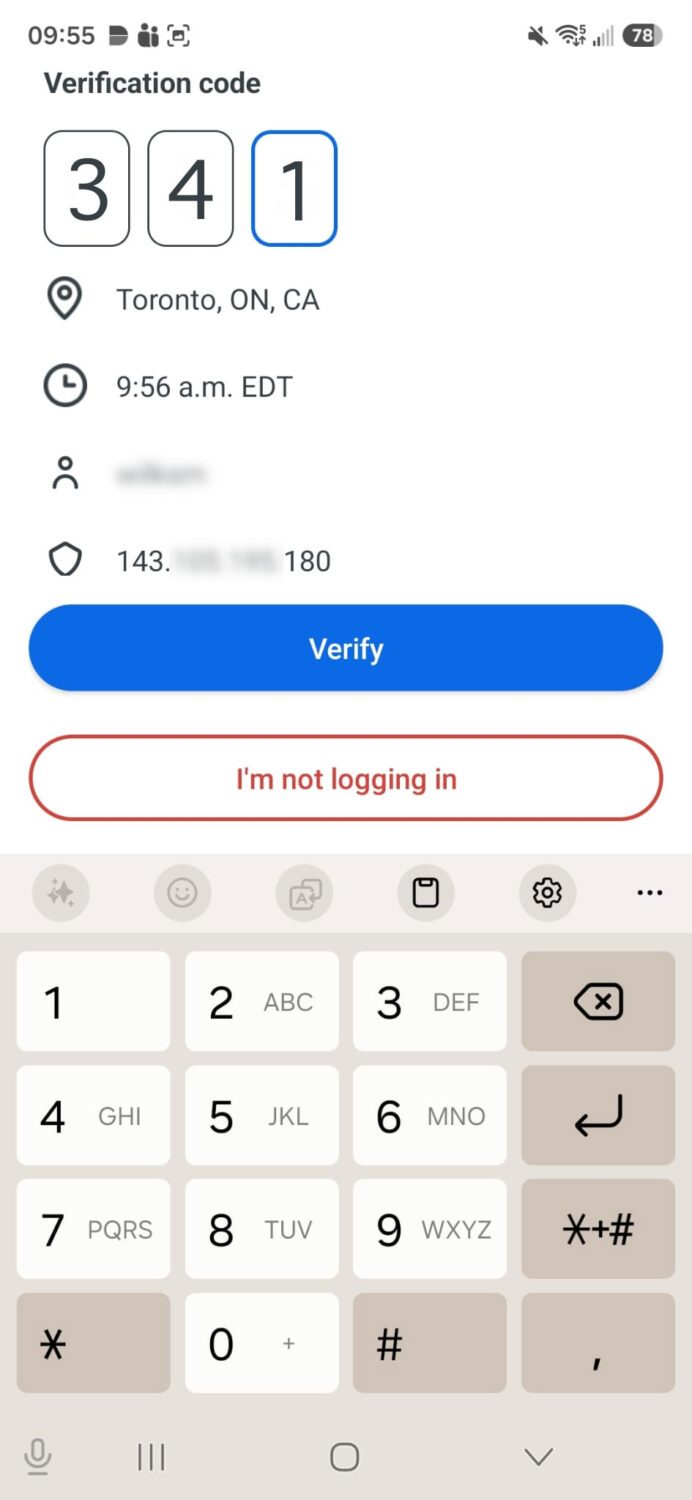
View the verification number displayed on your screen, and confirm the matching number in the Duo Mobile app.
Verification number displayed on your screen:
Verified Push for Android:
Verified Push for iOS:

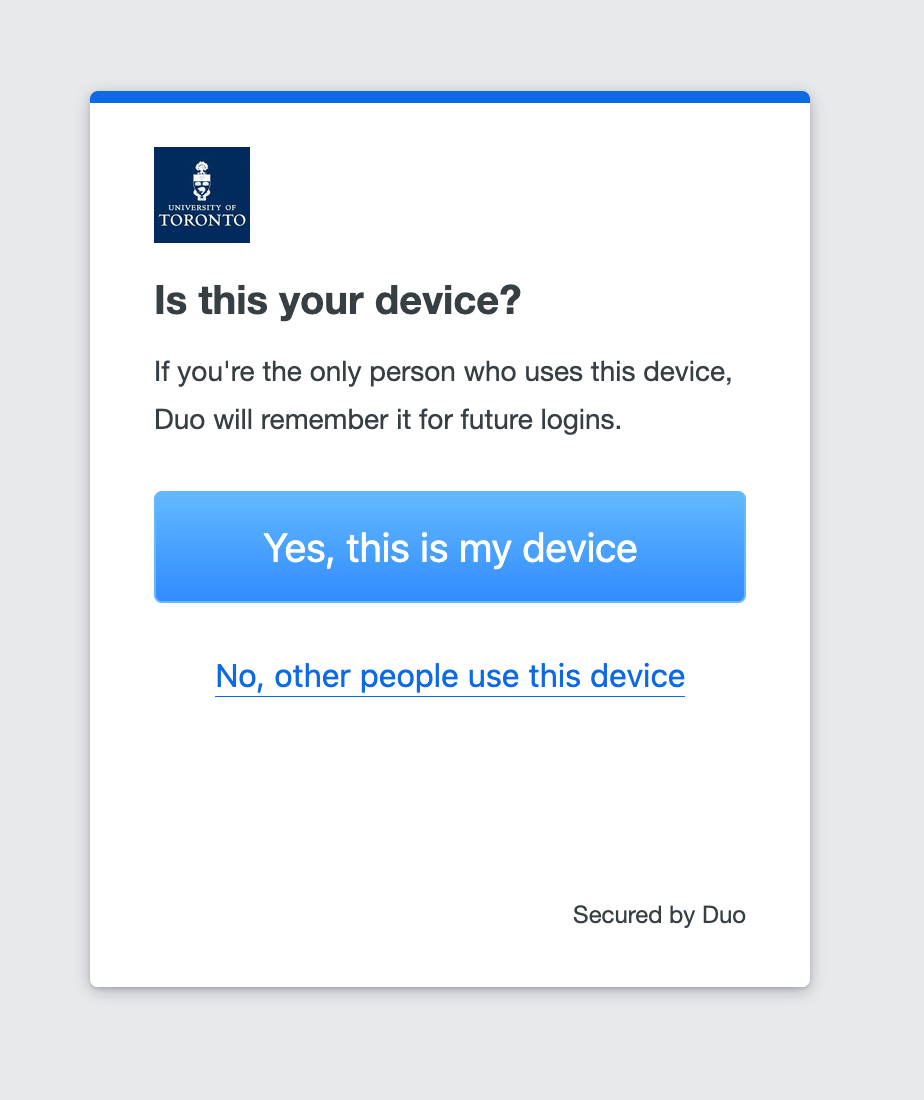
3. Confirm your device
Follow the prompts to confirm your device. You won’t receive additional MFA prompts from that device for one day.
What do I need to do?
Most users will not need to take any action before Aug. 7.
When the changes take effect:
- Follow the updated sign-in prompts.
- Use UTORMFA Verified Push to approve authentication requests.
- Sign in again when your browser session expires.
- If you manage local websites, documentation or communications, review and update any references to password requirements or sign-in procedures as needed.
Resources
To learn more, read Knowledge Base article KB0015004: UTORMFA security profiles.