


UTsend: Safeguarding data with U of T’s secure file transfer service
Published: May 27, 2026
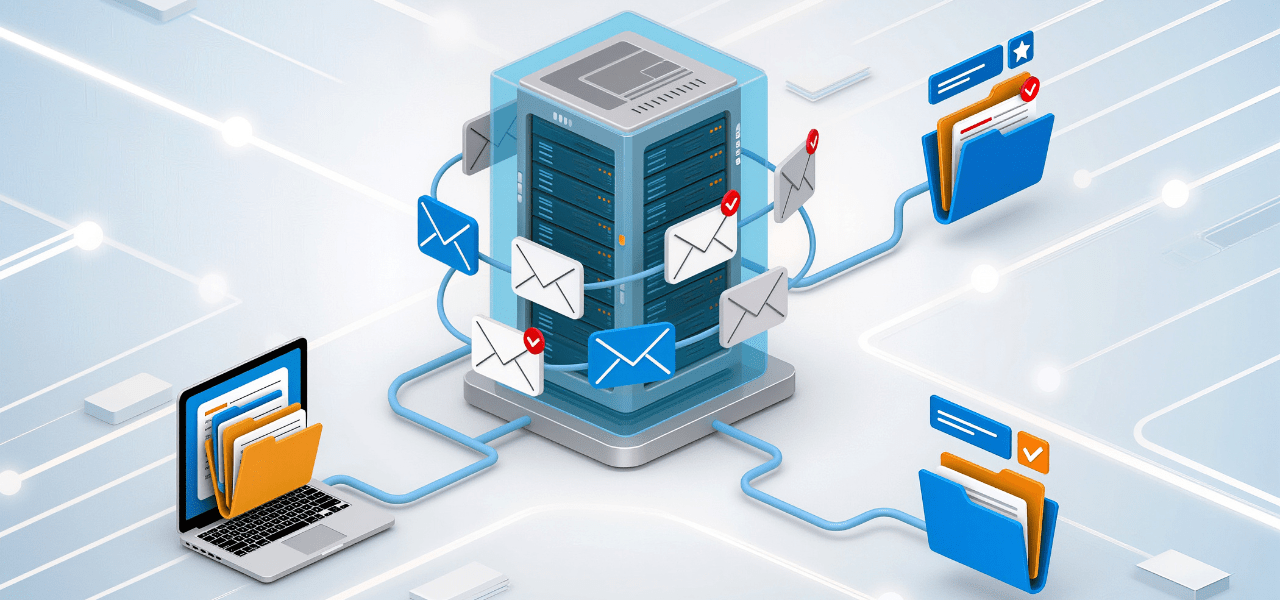
Email applications such as Microsoft Outlook are suitable for everyday communication and must not be used to share or store Level 4 data, which requires encryption.
Level 4 data is non-public, highly sensitive information. If it is shared without permission, it could cause serious harm to the university.
Level 4 data includes:
- Government-issued identification or identifying numbers, such as SIN, passport or driver’s license numbers
- Financial or cardholder information
- Biometric data or medical history
- Passwords and credentials
- High-risk case files
- Investigative reports related to workplace or conduct matters, or special investigations
Sending sensitive files by email or uploading them to unsecured or personal cloud services increases the risk of a data breach. Email attachments are often used to spread phishing messages, fake emails and malware.
UTsend is U of T’s secure file transfer service and should be used instead whenever you need to share sensitive files. It encrypts files, controls who can access them, and helps ensure confidential information stays protected.
Why use UTsend?
Secure file transfer services reduce risk by limiting access to authenticated users and approved recipients. National cyber security guidance recommends using dedicated file transfer services, rather than email, for sharing sensitive data.
Students, faculty, librarians and staff at the University of Toronto have access to UTsend, the university’s secure file transfer service, for sharing files with internal or external recipients. UTsend:
How it works
UTsend offers three ways to share files:
- 1
Upload a file to share with others
- 2
View or download a file sent to you
- 3
Ask someone to send you a specific file
Files are available for 14 days before being automatically deleted. UTsend is not intended for long-term storage and cannot be used to share copyrighted material without permission.

Always verify unexpected file requests before opening them. A quick phone call or message can prevent a serious cyber security incident.